Windows Desktop App

Your Call Center,
On Your Desktop

The Egytel desktop app brings the full power of your cloud call center to Windows — with a native, fast, and distraction-free experience. Make and receive calls, manage your availability, and stay in sync with your team without ever opening a browser.

Get it from Microsoft Store
Windows 10 / 11 Version 1.2 Secure & Signed
Egytel Desktop App — Dialer Screen

Everything You Need, Built for Windows

A dedicated native experience — faster, cleaner, and always ready.

One-Click Calling

Make and receive calls instantly with system notifications — no browser tabs, no distractions.

Call History & Logs

Browse your full call history, missed calls, and recordings directly from the app.

Secure & Encrypted

End-to-end encrypted communications and signed installer — your data stays protected.

Always Connected

Runs quietly in the system tray so you never miss an inbound call, even when minimised.

Light & Dark Themes

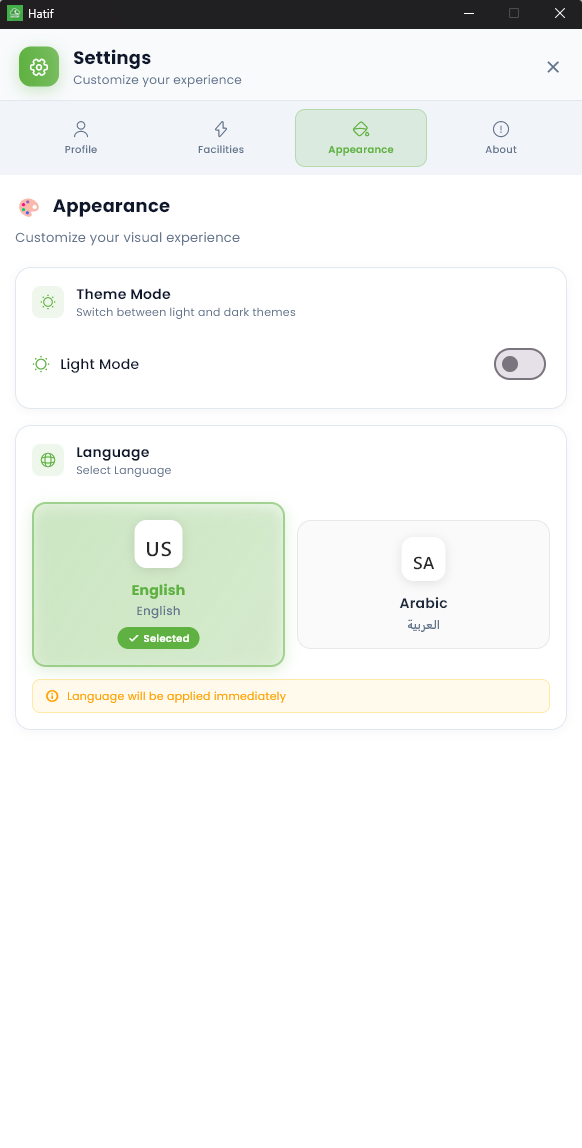
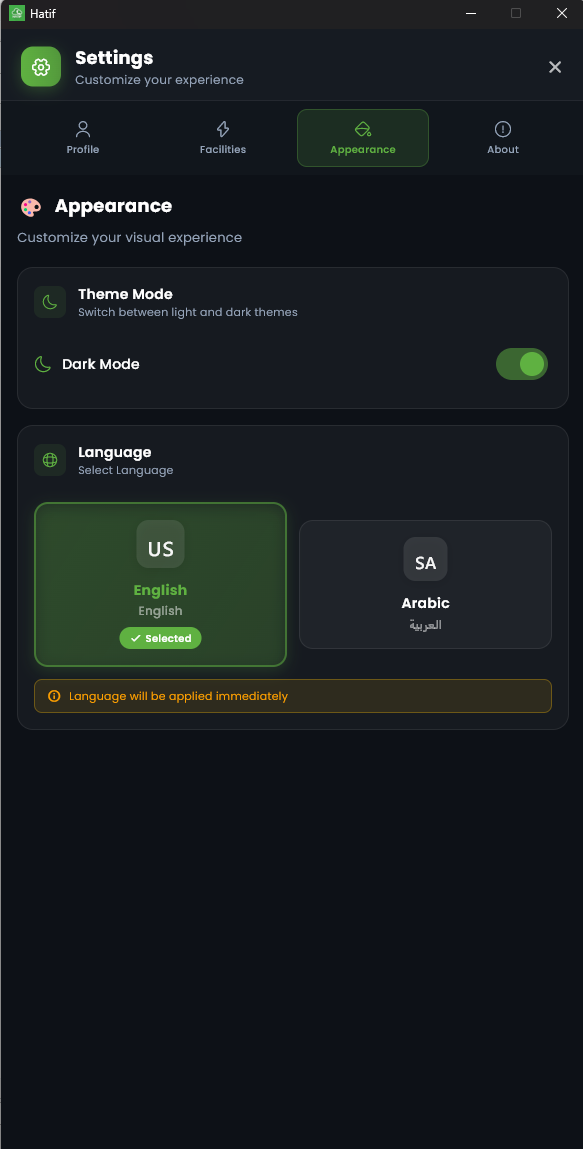
Switch between light and dark mode — adapts automatically to your Windows system preference.

Live Status & Metrics

View your real-time availability status, queue position, and daily call stats at a glance.

See It in Action

A polished, intuitive interface built for agents who need speed and clarity every day.

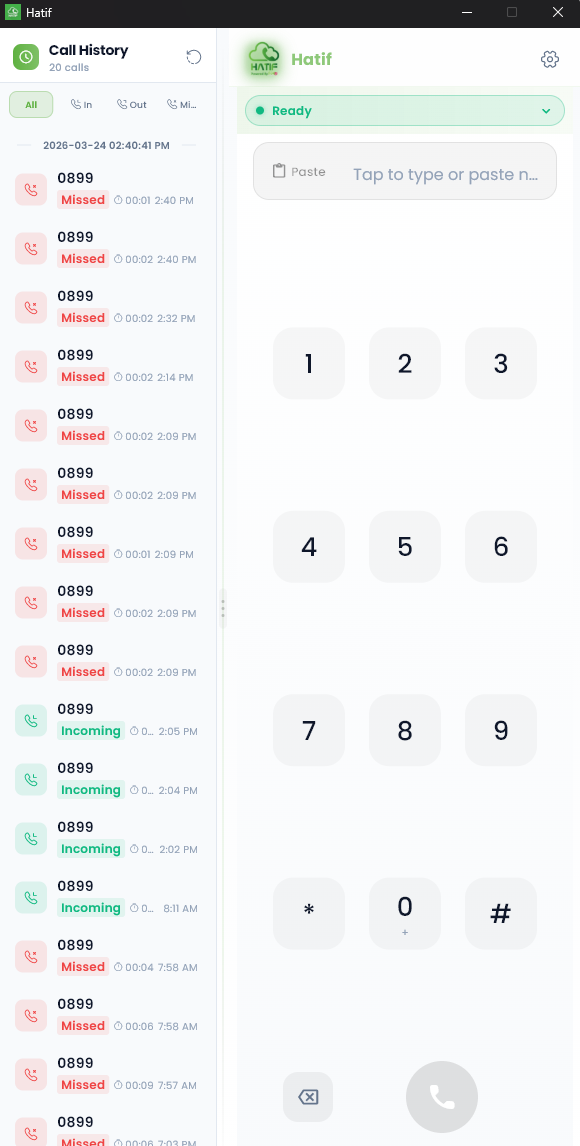
Dialer & Call History
Core Dialer & Call History
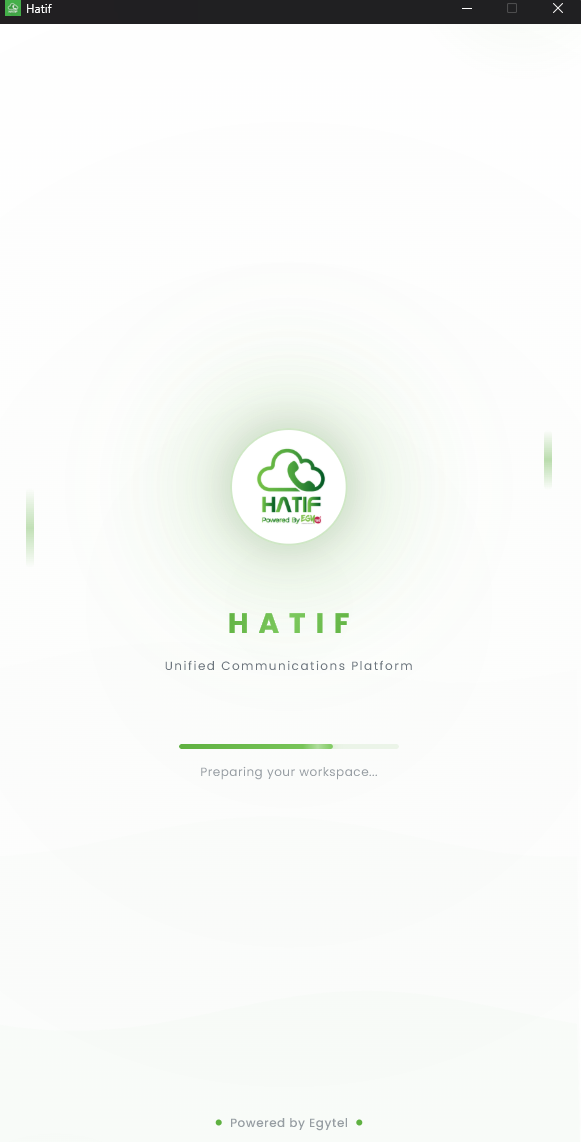
Loading Screen
Startup Loading Screen
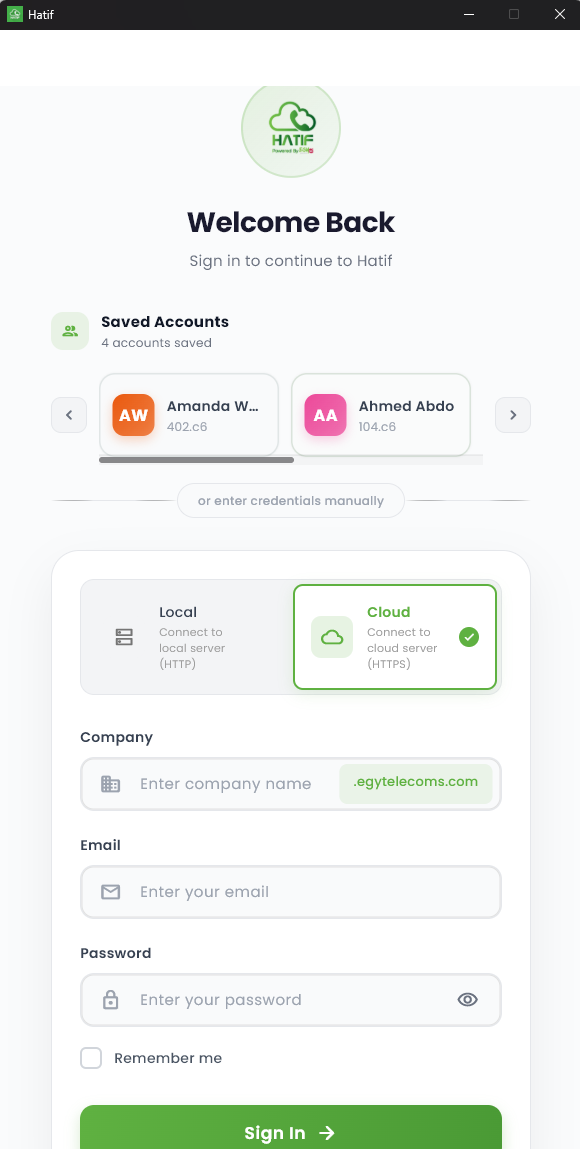
Login Screen
Auth Secure Login
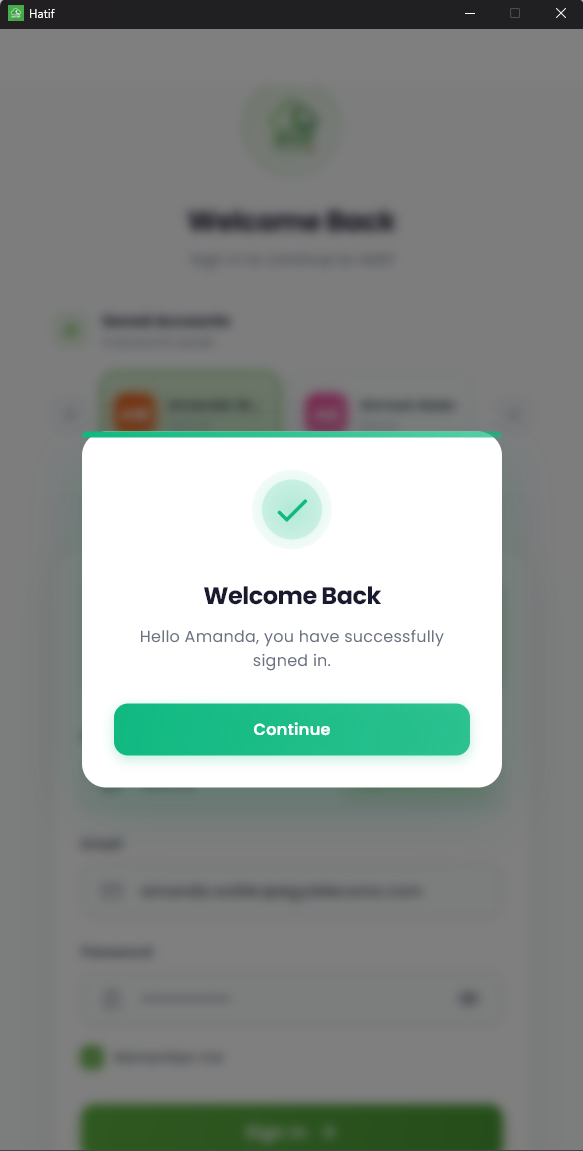
Welcome Screen
Onboarding Welcome Screen
Settings — Light Theme
Settings Appearance — Light
Settings — Dark Theme
Settings Appearance — Dark
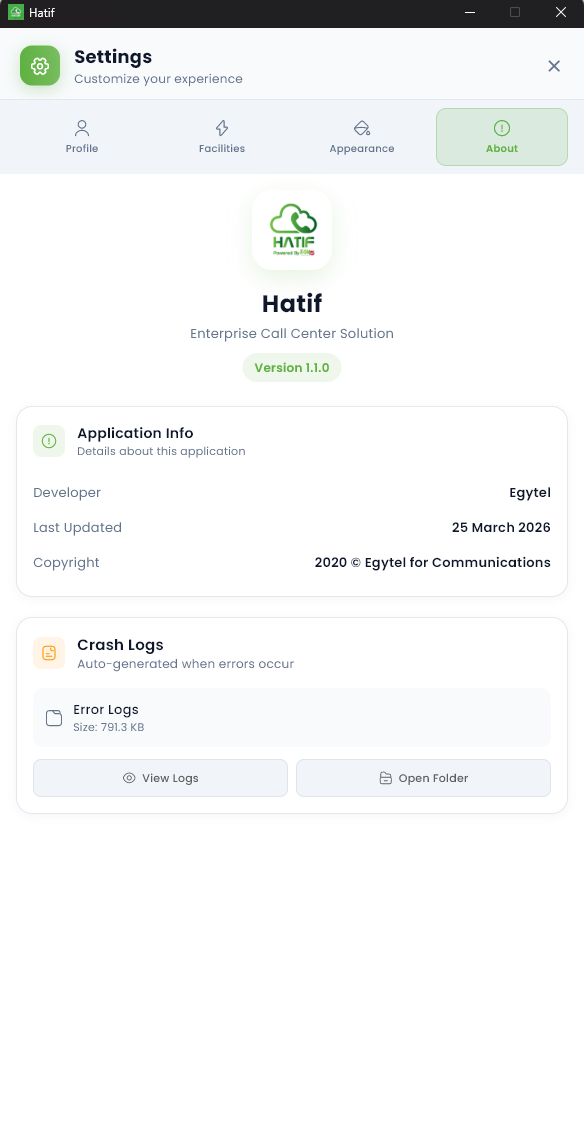
About Screen
Info About & Version

Runs Smoothly on Any Modern Windows PC

Egytel desktop is lightweight and optimised for everyday business use. It runs on virtually any Windows 10 or 11 machine without heavy resource demands.

Operating SystemWindows 10 (1903+) or Windows 11
Architecturex64 (64-bit)
RAM4 GB minimum (8 GB recommended)
Disk Space200 MB free storage
InternetBroadband connection required
AudioMicrophone & speakers / headset

Up and Running in 3 Steps

1

Download from Microsoft Store

Click "Get it from Microsoft Store" above, or search for Hatif in the Microsoft Store app on your PC.

2

Install & Launch

Click Install and wait for the download to finish. Launch the app from the Start Menu or desktop shortcut.

3

Sign In with Your Account

Enter your Egytel credentials (the same login you use on the web portal) and start taking calls immediately.

Ready to Download?

Get the full power of your Egytel call center right on your Windows desktop — free for all active Egytel subscribers.

Get it from Microsoft Store

Not a subscriber yet? Request a free demo and get started today.